4
Calendar
4.10
Sleep Mode

Click to open Sleep Time settings. When the sleep function is enabled, the screen will turn off during the scheduled sleep period.
If the screen is turned on during the sleep period, it will automatically turn off after a short period of inactivity.
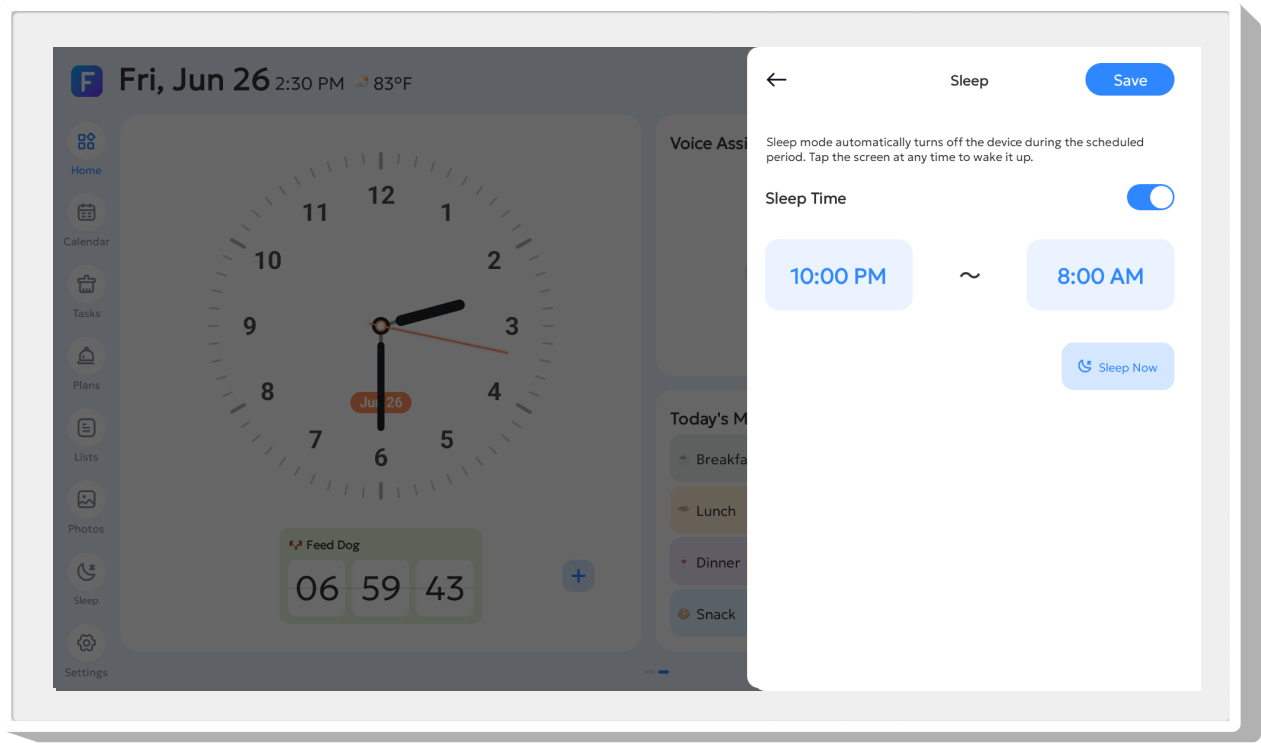
 Sleep Now
Tap Sleep Now to turn off the screen immediately. The screen remains off until the set sleep duration ends or you manually wake the screen.